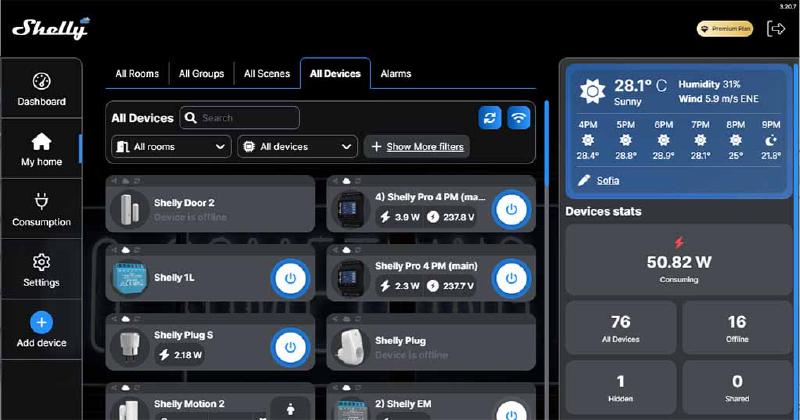
Shelly Devices Home Automation Scripts
This page contains a collection of JavaScript automation scripts for Shelly IoT devices. Currently includes auto_reboot.js, designed to monitor internet connectivity and automatically restart the Shelly device if the connection fails.
Overview
Shelly devices can execute custom JavaScript for advanced automation. This repository provides battle-tested scripts to enhance your smart home setup with reliability and monitoring features.
Scripts
auto_reboot.js
Purpose: Monitors internet connectivity by pinging a specified URL and automatically restarts the Shelly device if the connection fails.
Features:
- Continuous connectivity monitoring
- Configurable ping target URL
- Automatic device restart on connection loss
- Logging for troubleshooting
Installation
Step 1: Access Your Shelly Device
- Open the Shelly device’s web interface (typically
http://<device-ip>) - Navigate to Scripts section
Step 2: Create a New Script
- Click Create Script or similar option
- Paste the contents of the desired script (e.g.,
auto_reboot.js) - Configure any required parameters (e.g., ping URL, check intervals)
auto_reboot.js
let CONFIG = {
  endpoints: [
    "https://global.gcping.com/ping",
    "https://us-central1-5tkroniexa-uc.a.run.app/ping",
  ],
  //number of failures that trigger the reset
  numberOfFails: 3,
  //time in seconds after which the http request is considered failed
  httpTimeout: 10,
  //time in seconds for the relay to be off
  toggleTime: 30,
  //time in seconds to retry a "ping"
  pingTime: 120, // 120s = 2mins
};

let endpointIdx = 0;
let failCounter = 0;
let pingTimer = null;

function restartRelay() {
    // Self- reboot
    Shelly.call(
        "Shelly.Reboot",
        null,
        function (result, code, msg, ud) {
        },
        null
    );
}

function pingEndpoints() {
  Shelly.call(
    "http.get",
    { url: CONFIG.endpoints[endpointIdx], timeout: CONFIG.httpTimeout },
    function (response, error_code, error_message) {
      //http timeout, magic number, not yet documented
      if (error_code === -114 || error_code === -104) {
        print("Failed to fetch ", CONFIG.endpoints[endpointIdx]);
        failCounter++;
        print("Rotating through endpoints");
        endpointIdx++;
        endpointIdx = endpointIdx % CONFIG.endpoints.length;
      } else {
        failCounter = 0;
        print("Ping success");
      }

      if (failCounter >= CONFIG.numberOfFails) {
        print("Too many fails, resetting...");
        failCounter = 0;
        Timer.clear(pingTimer);
        restartRelay();
        return;
      }
    }
  );
}

print("Start watchdog timer");
pingTimer = Timer.set(CONFIG.pingTime * 1000, true, pingEndpoints);

Shelly.addStatusHandler(function (status) {
  //is the component a switch
  if(status.name !== "switch") return;
  //is it the one with id 0
  if(status.id !== 0) return;
  //does it have a delta.source property
  if(typeof status.delta.source === "undefined") return;
  //is the source a timer
  if(status.delta.source !== "timer") return;
  //is it turned on
  if(status.delta.output !== true) return;
  //start the loop to ping the endpoints again
  pingTimer = Timer.set(CONFIG.pingTime * 1000, true, pingEndpoints);
});
Step 3: Save and Enable
- Save the script
- Enable the script to start execution
- Set to auto-start on device boot if desired
Usage
For auto_reboot.js:
- Copy the script contents
- Create a new script in your Shelly device via the web interface
- Customise the configuration parameters:
PING_URL: The URL to ping for connectivity checksCHECK_INTERVAL: How often to check connectivity (in seconds)REBOOT_DELAY: Delay before rebooting (in seconds)
- Save and enable the script
- The script will run automatically according to its schedule
Configuration
Edit the configuration variables in each script to match your environment:
// Example configuration section
const PING_URL = "https://www.google.com";
const CHECK_INTERVAL = 300; // Check every 5 minutes
const REBOOT_DELAY = 10; // Wait 10 seconds before reboot
Troubleshooting
- Script not running: Verify the script is enabled in the Shelly web interface
- Frequent reboots: Check if the ping URL is accessible and adjust
CHECK_INTERVALif necessary - No logs: Enable debug logging in the script or check device system logs via SSH
Contributing
Contributions are welcome! Feel free to submit:
- Bug reports and fixes
- New script ideas
- Performance improvements
- Documentation updates
Your feedback and enhancements are highly appreciated.
Tips
- Test scripts in a non-critical device first
- Monitor device logs during initial setup
- Adjust monitoring intervals based on your network stability
- Consider redundancy for critical devices